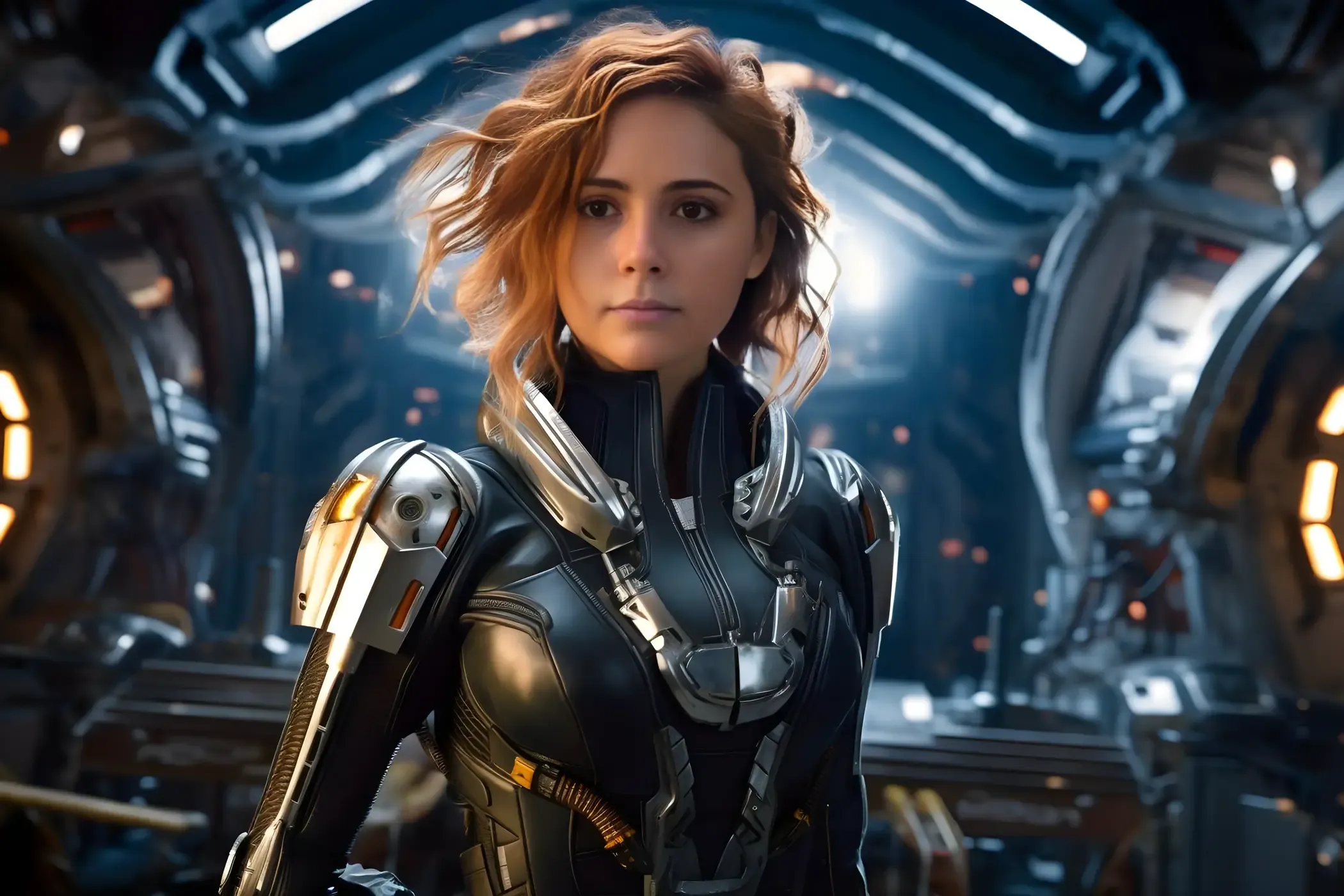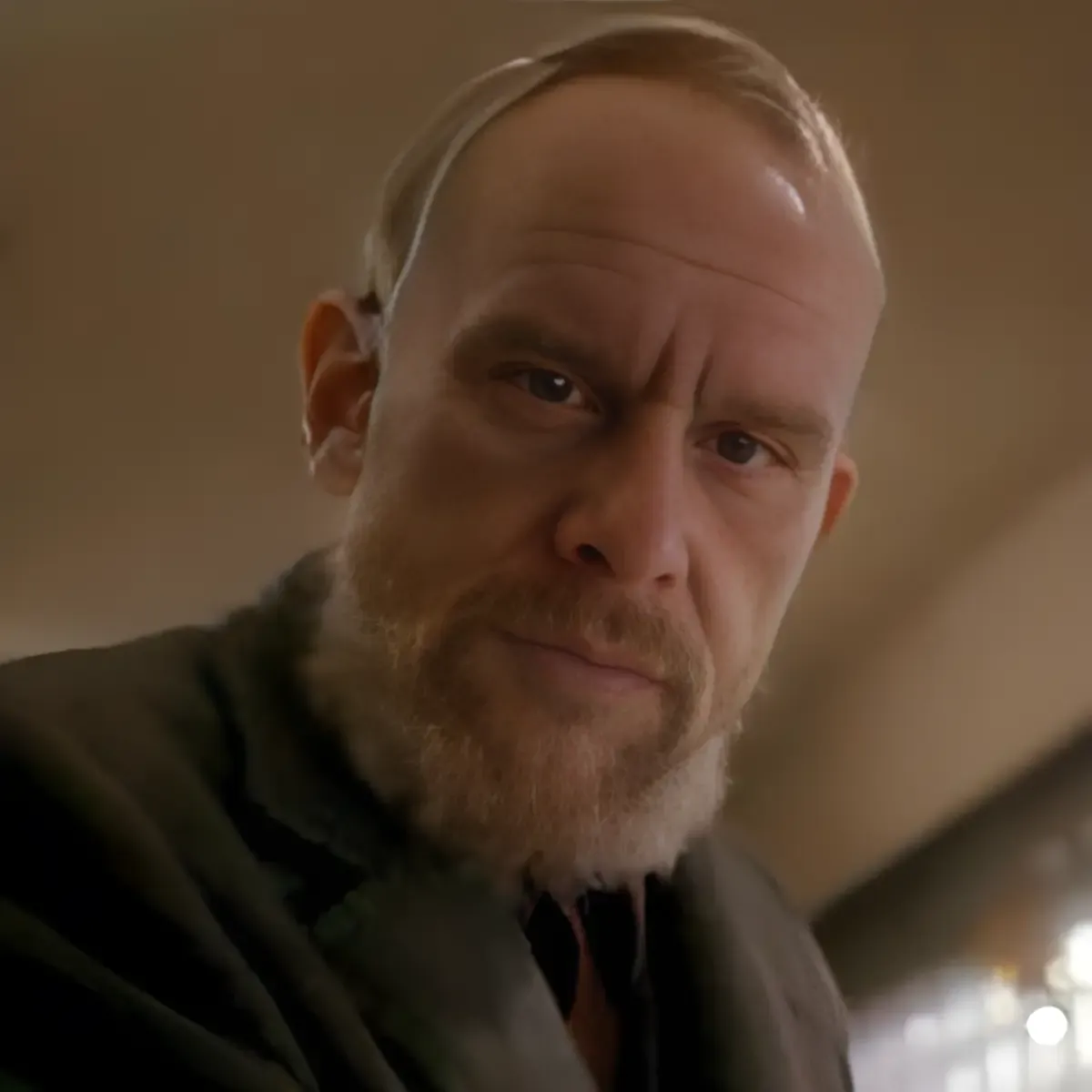
Faceoff: A Journey into the World of AI-Driven Face Swapping
Face swapping, the intriguing process of digitally interchanging faces in images, has been a fascinating concept in digital imagery for years. The ability to replace one person’s face with another in a photograph while maintaining the original image’s integrity is a testament to the advancements in artificial intelligence (AI) and machine learning. This article delves into the intricacies of face swapping, focusing on an application called Faceoff, which leverages a Python library known as InsightFace.
InsightFace and its Contributions
InsightFace, a project initiated by the eponymous company, is a pivotal non-profit platform specializing in face recognition, analysis, and synthesis in the AI research landscape. This project stands out for its comprehensive approach to face analysis, encompassing both 2D and 3D aspects. It efficiently incorporates many cutting-edge algorithms, streamlining the processes of face recognition, detection, and alignment.
The open-source technologies birthed by InsightFace have significantly contributed to the evolution of face detection and recognition applications. Their GitHub repository, a wellspring of resources, offers invaluable assets for developers engrossed in face-related technologies.
The company’s tenacious commitment to propelling AI technologies forward has developed many innovative tools and libraries. Among these, the InsightFace Python library has been a cornerstone in creating the Faceoff app, demonstrating the practical application of these advanced technologies in real-world scenarios.
InsightFace Examples
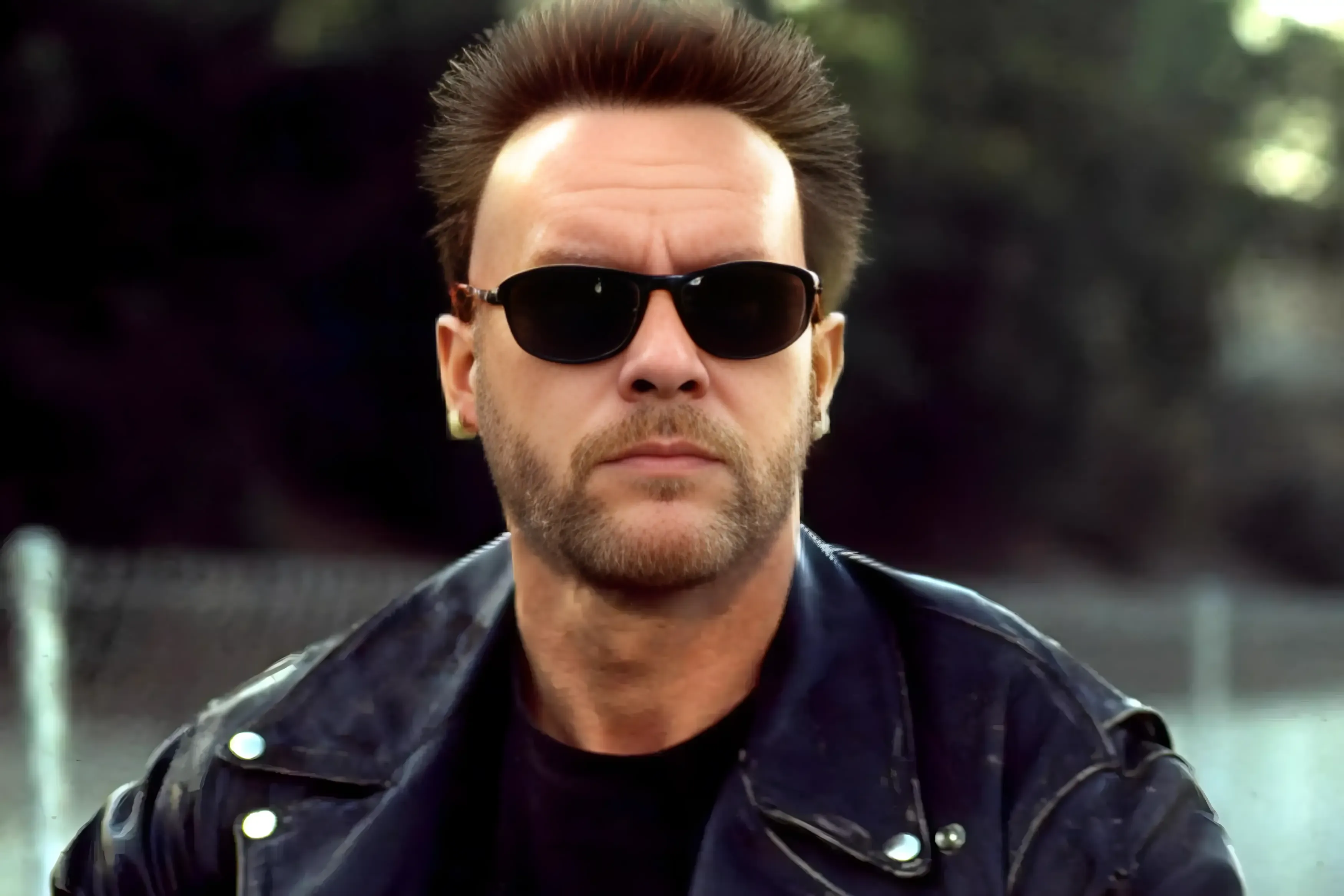








A Brief History of Face Swapping
Face-swapping technology has come a long way since its inception. Initially, it was a manual and time-consuming process requiring expert image editing software skills. With the introduction of AI and machine learning, the process has become automated, faster, and more accurate. The technology uses algorithms to identify facial features in an image, extract them, and superimpose them onto another face while maintaining the original image’s lighting, angle, and expression.
The first instances of face swapping were seen in the film industry, where it was used to create special effects. As time passed, the technology became more available and eventually made it into mobile apps and social media platforms, allowing users to swap faces with friends, celebrities, or pets for entertainment. Notable examples include Snapchat’s face swap filter and FaceApp, which have brought face swap technology to the masses.
However, the technology’s potential extends beyond entertainment. It has significant implications for security, identity verification, and medical research. For instance, face swapping can protect individuals’ identities in sensitive photographs or videos or create realistic avatars for virtual reality environments. On the other hand, more advanced applications of face swapping, such as deepfakes, have raised serious concerns about misinformation, identity theft, and privacy.
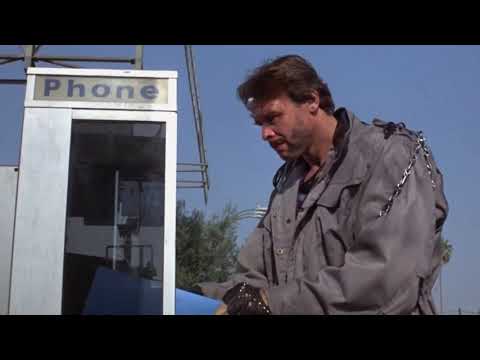
Faceoff App, a Personal Project Inspired by InsightFace’s Innovations
The Faceoff app utilizes an AI-trained model called inswapper_128.onnx, initially created by InsightFace for demonstration purposes. This model was designed to recognize and extract facial features from an input image and then superimpose them onto a target face in another photo. However, the demo version of the model was limited to a 128x128 resolution, which, when run on its own, resulted in pixelated and low-quality output images.
What sets the inswapper model apart from other face-swapping technologies is its ability to generate high-quality results with just a single input image. This is a significant advancement over other methods, such as training LoRA models and Dreambooth, which require several to several dozen images and are semi-complex to train. Not only do these methods take considerable time to prepare properly, but they also need a substantial amount of computational resources.
In contrast, the Faceoff app, leveraging the power of InsightFace’s AI model, can produce near-instant results comparable to these competing options. This is made possible by the advanced algorithms and techniques employed by the inswapper_128.onnx model, which can accurately extract and superimpose facial features even from a single image. The result is a high-quality face swap that maintains the integrity of the original image while seamlessly integrating the new face.
When the demo model was released on GitHub, it attracted an influx of spammers. This unexpected surge prompted the developers to relocate the advanced version of the application to Discord, a more controlled environment. Consequently, the original inswapper_128.onnx file was removed from GitHub.
InsightFace has expanded its reach to Discord, a popular communication platform, where they have introduced the InsightFaceSwap bot. This bot allows users to directly experience the power of InsightFace’s face-swapping technology. Users can create stunning, high-quality face swaps of themselves by using the bot in conjunction with Midjourney, a tool for creating personalized portraits.
The InsightFaceSwap bot is free and provides an excellent way for users to test face-swapping technology. More information about the bot, including a tutorial on installation and commands, can be found here on InsightFace’s GitHub page. This move to Discord represents InsightFace’s commitment to making its technology accessible to a broader audience and provides a glimpse into the potential future of AI face-swapping technology.
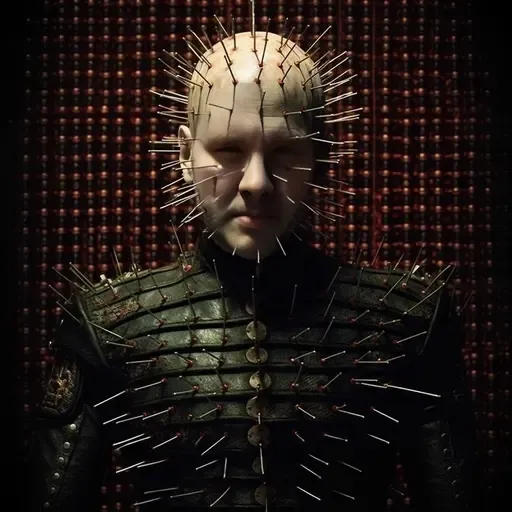
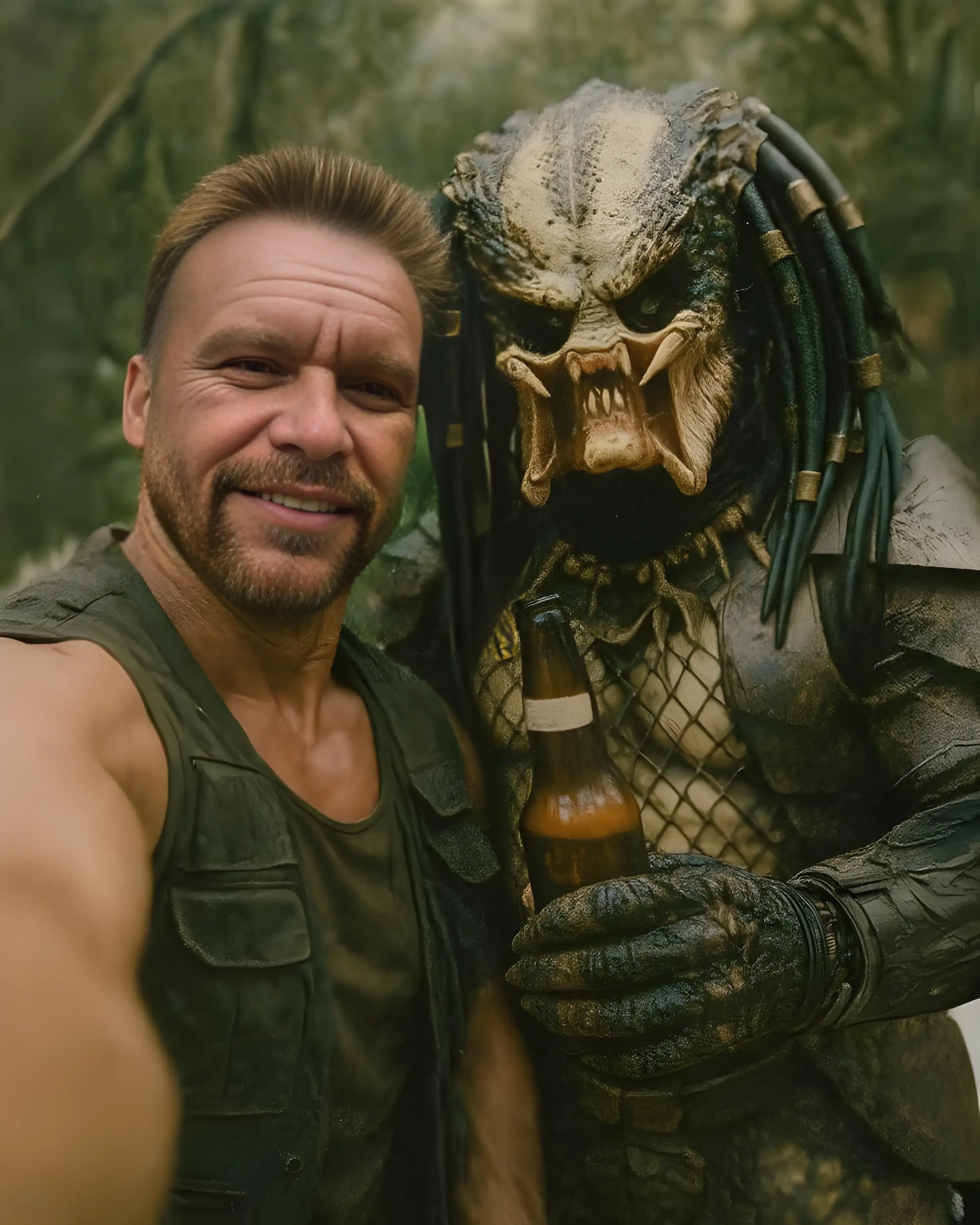
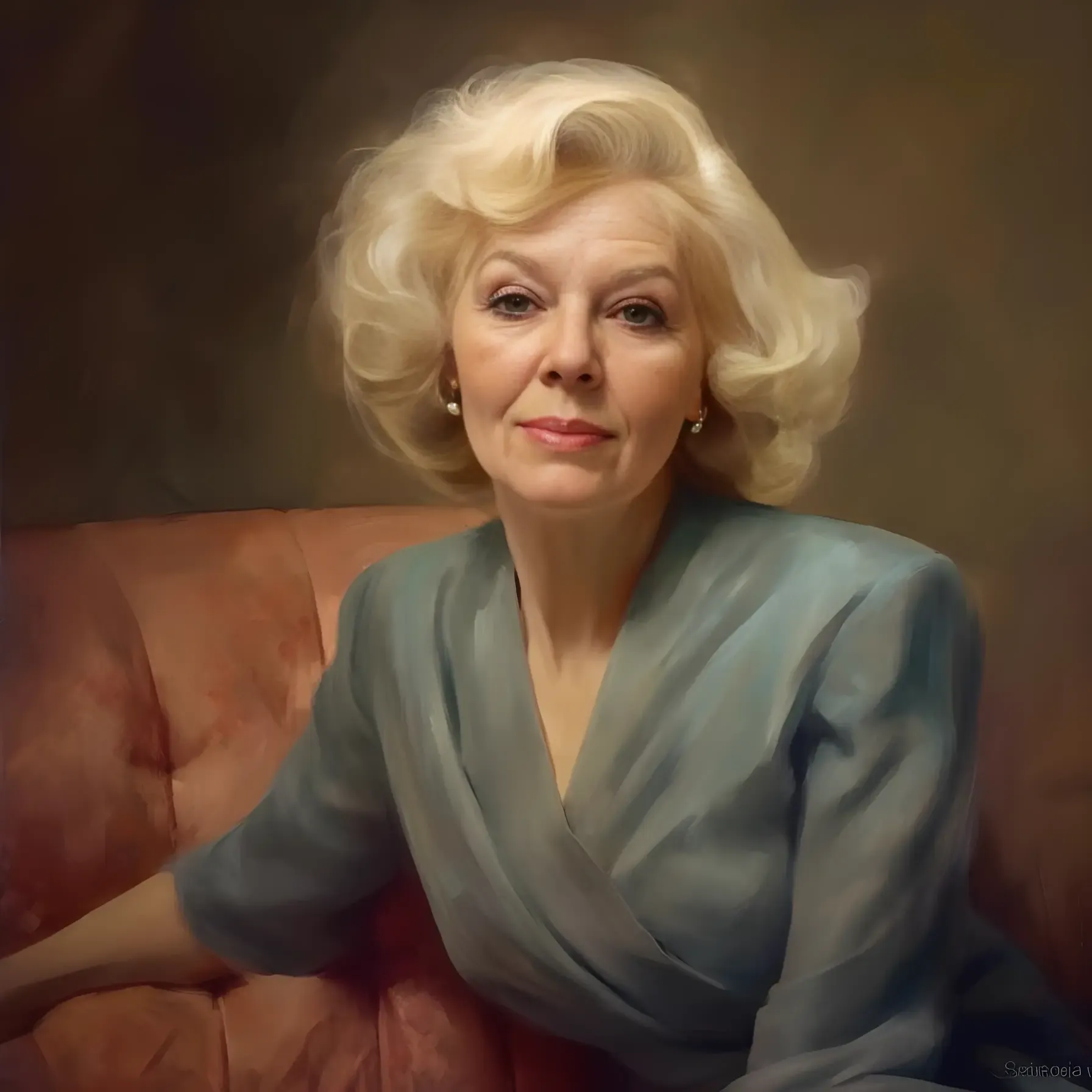
Discord Bot Examples






Improving Image Quality with CodeFormer and Real-ESRGAN
To overcome the limitations of the inswapper_128.onnx model, the Faceoff app employs two Python scripts, CodeFormer and Real-ESRGAN.
Real-ESRGAN is designed to develop practical algorithms for general image/video restoration. It also incorporates GFPGAN (Generative Face Prior GAN), a script that enhances the quality of face images. GFPGAN uses a generative adversarial network (GAN) to generate high-quality facial images from low-quality inputs, thereby improving the quality of the faces swapped using the inswapper_128.onnx model.
On the other hand, CodeFormer, developed by S-Lab at Nanyang Technological University, is used as an alternative option for enhancing the final output. CodeFormer is an advanced tool that uses AI to improve the quality of the final face-swapped image, making the results even more impressive. It’s designed for robust blind face restoration with a Codebook Lookup Transformer, as detailed in their NeurIPS 2022 paper. CodeFormer can be used for various tasks, including face restoration, whole image enhancement, video enhancement, face colorization and face inpainting. It provides a balance between fidelity and quality, with the fidelity weight parameter ‘w’ allowing users to adjust the output according to their needs.
By combining these two powerful tools, the Faceoff app can produce high-quality, stunning results from low-resolution outputs. This allows the app to overcome the limitations of the inswapper_128.onnx model and produce face-swapped images that are of much higher quality than would otherwise be possible.
Interfacing Faceoff with Gradio
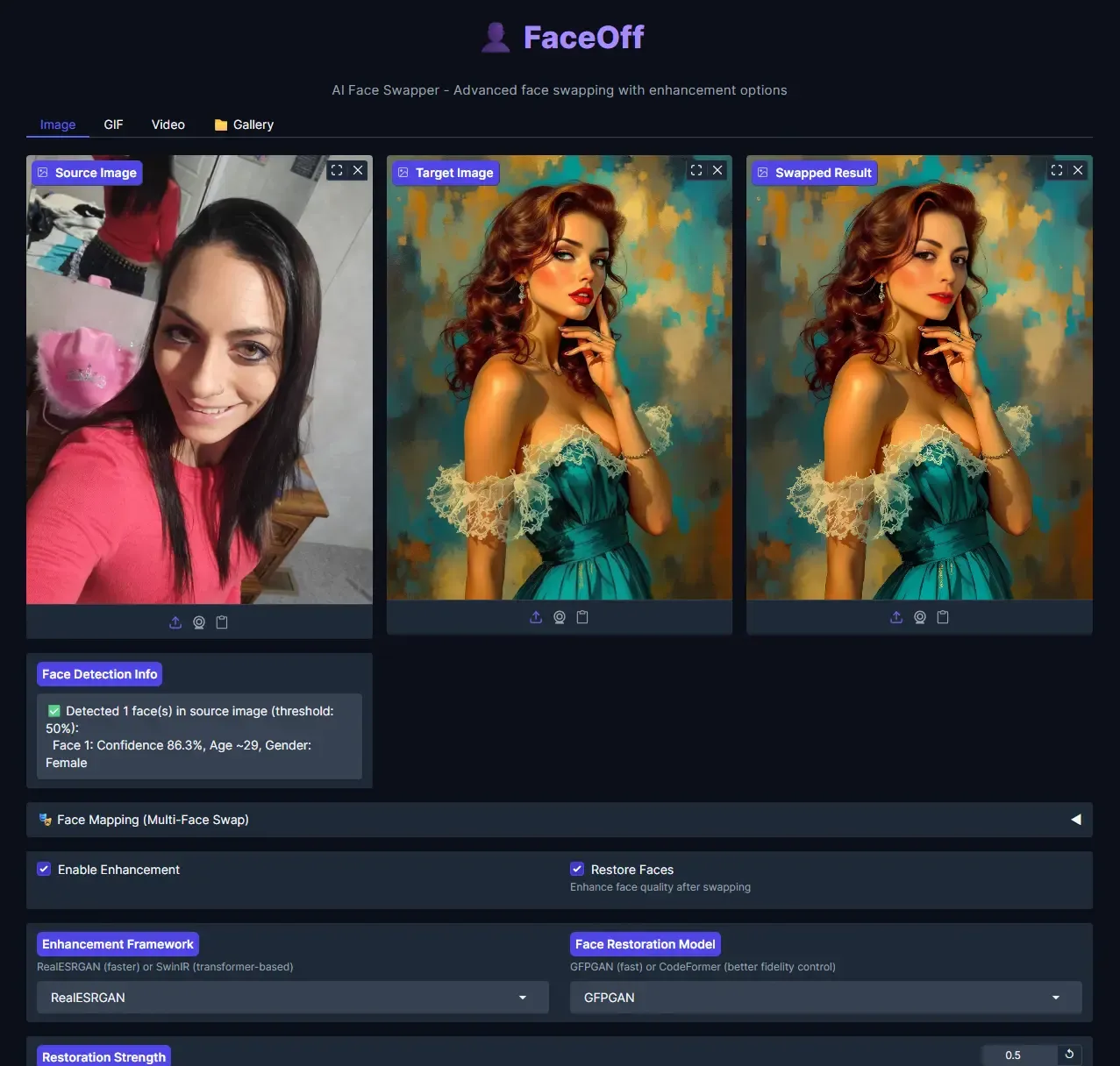
In an effort to enhance user-friendliness and interactivity, the Faceoff application has been interfaced via Gradio. Gradio is an open-source framework for creating and sharing machine learning models with easy-to-use UI components. It allows developers to quickly create web-based interfaces for their models, making them accessible to non-technical users.
With Gradio, the Faceoff app can easily input images, select their desired options, and see the results of the face swap in real-time. This makes the app more accessible and easier to use than running it in my terminal. It also allows for quick iterations and testing, as I can immediately see the results of using different versions of this script.
While I would love to publish a live demo of this application to showcase its capabilities, certain limitations prevent me from doing so. My blog is hosted on GitHub Pages as a static site, so there’s no server-side processing available to run the Faceoff app. The application requires a powerful GPU to run locally — I use an Nvidia RTX 3060 Ti, and a 2000 series Nvidia RTX with sufficient onboard memory could also handle the task.
Gradio interface example
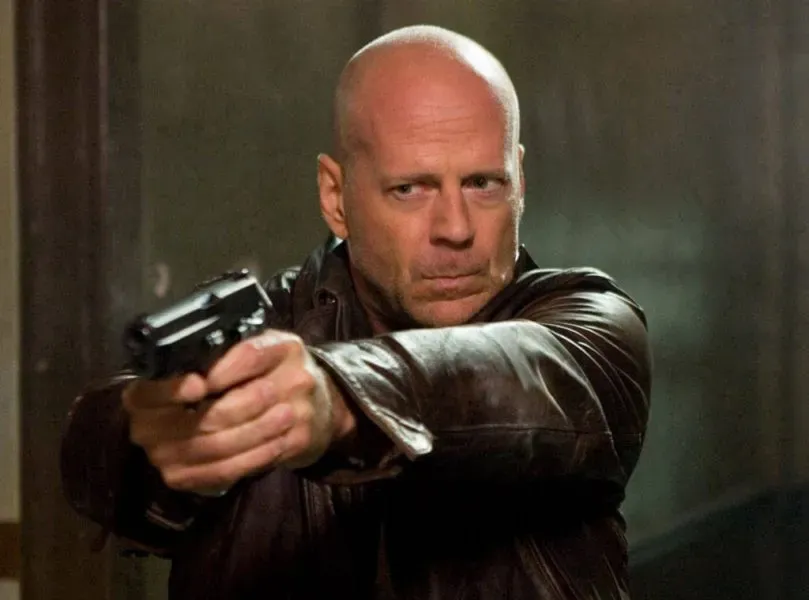
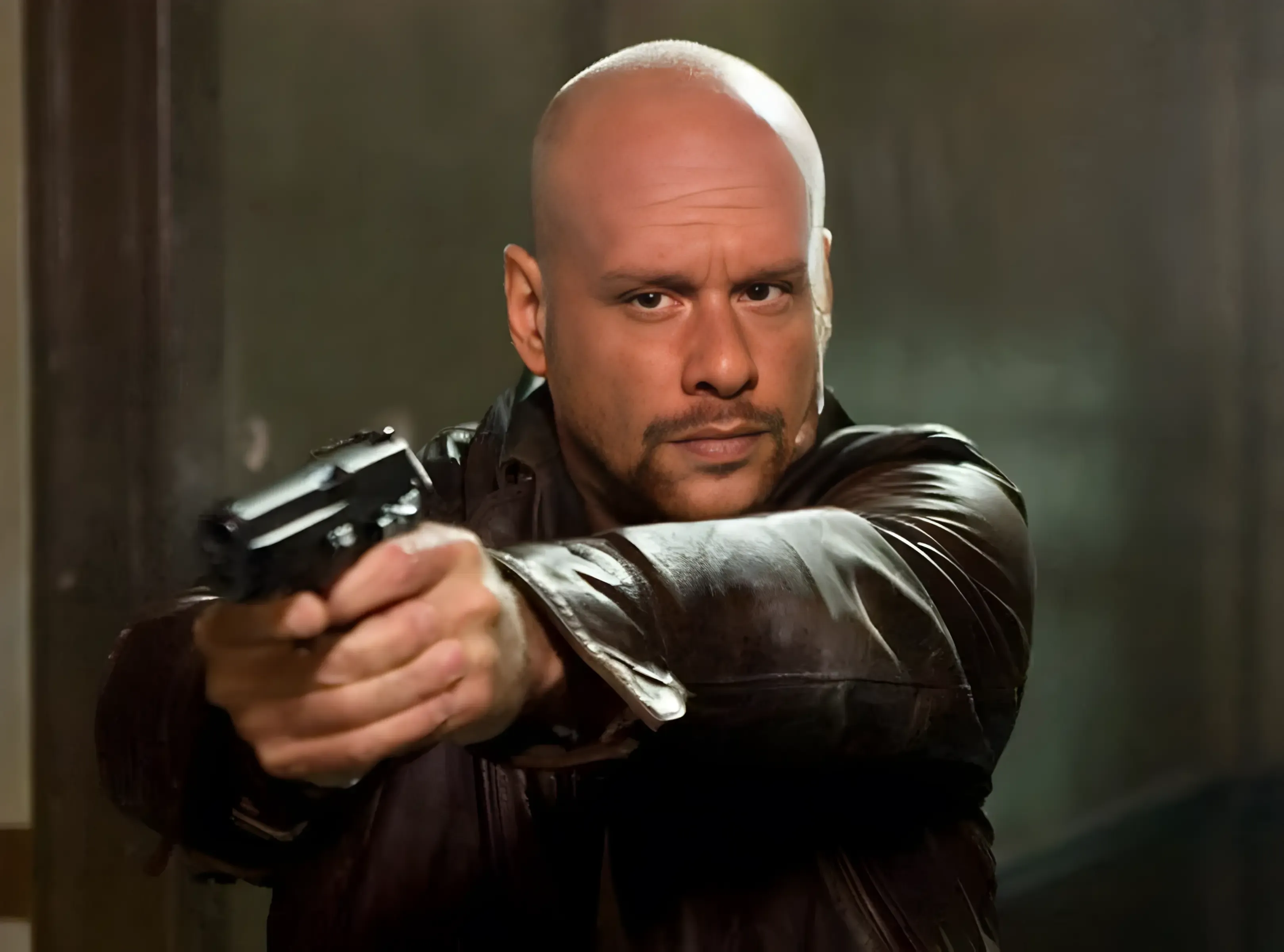
Try Faceoff for Yourself
If you’re intrigued by the possibilities of AI-driven face swapping and want to experience it firsthand, I invite you to try out the Faceoff app. It’s now available on GitHub and can be installed locally for personal use.
Faceoff allows you to swap faces from a source image to a destination medium. It supports image-to-image, image-to-GIF, and image-to-MP4 face swaps. Each app runs independently in its own Gradio instance for ease of use.
To get started, you’ll need to install some dependencies, including FFmpeg and CUDA (version 10.1 or higher). Once these are installed, you can clone the Faceoff repository and set up a Python environment to run the app. Detailed installation instructions are provided on the GitHub page.
Once installed, you can access the different versions of the Faceoff app (Img2Img, Img2GIF, and Img2MP4) through your local server. The GitHub page also includes a demo comparing the results of Faceoff Img2MP4 with a deepfake created by DeepFaceLab.
By trying out Faceoff, you’ll get a firsthand experience of the power and potential of AI-driven face swapping. Whether you’re interested in AI, digital imagery, or just want to have some fun, Faceoff offers a unique and engaging experience.
How It Works Under the Hood
At a high level, face swapping involves three steps: detection, extraction, and synthesis. A convolutional neural network (CNN) first identifies faces in the input images. It then extracts key facial features — eyes, nose, mouth, and face shape — to create a face mask. Finally, the mask is aligned to the target face, with color and lighting adjusted to match, and the edges blended for a seamless result.
Looking Ahead
As AI and machine learning continue to advance, the applications for face swapping extend well beyond entertainment — from protecting identities in sensitive media to creating realistic models for surgical training. However, with that potential comes responsibility. Issues like consent, privacy, and the risk of misuse through deepfakes are real concerns that developers and researchers must address as the technology matures.
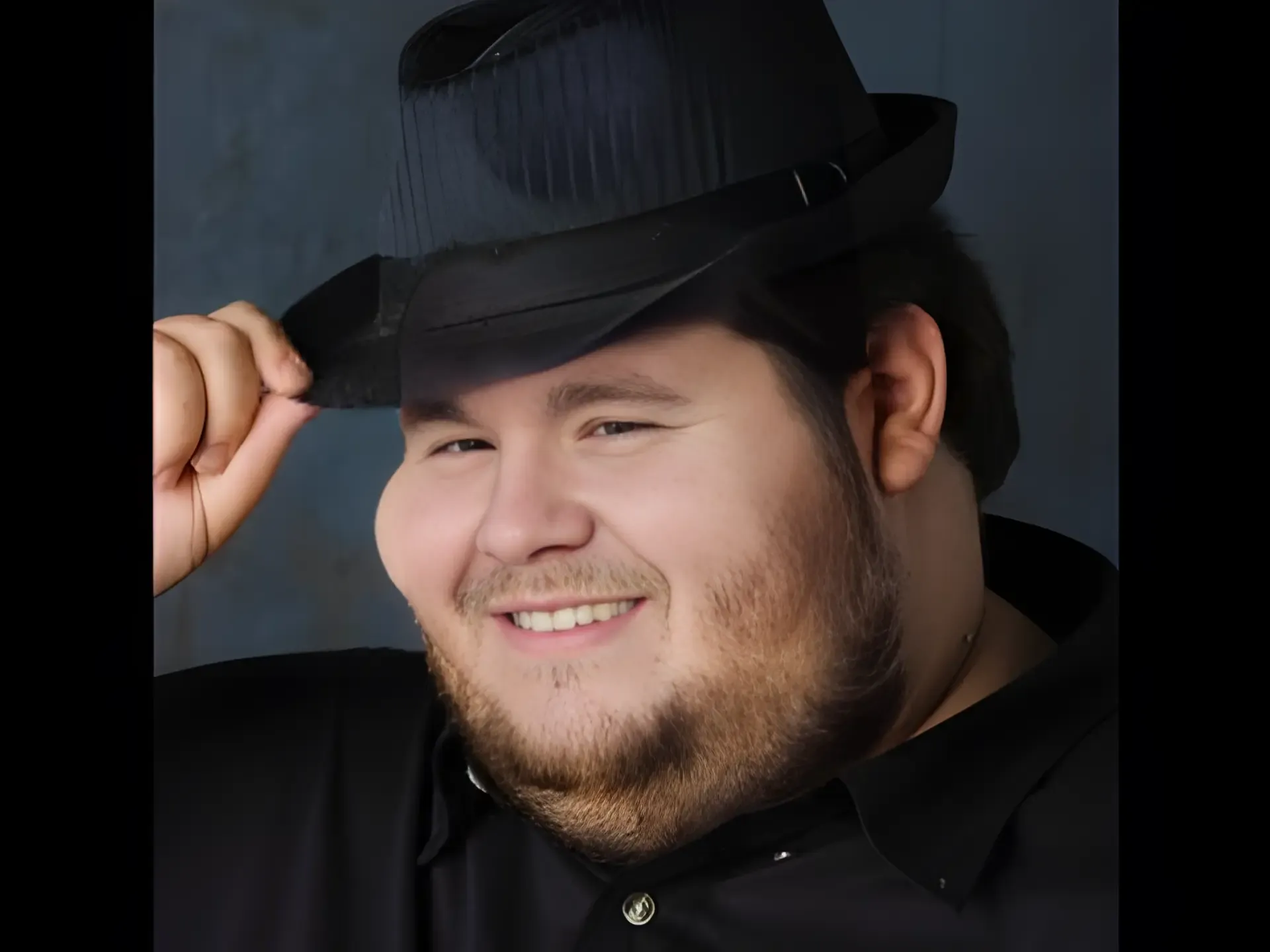
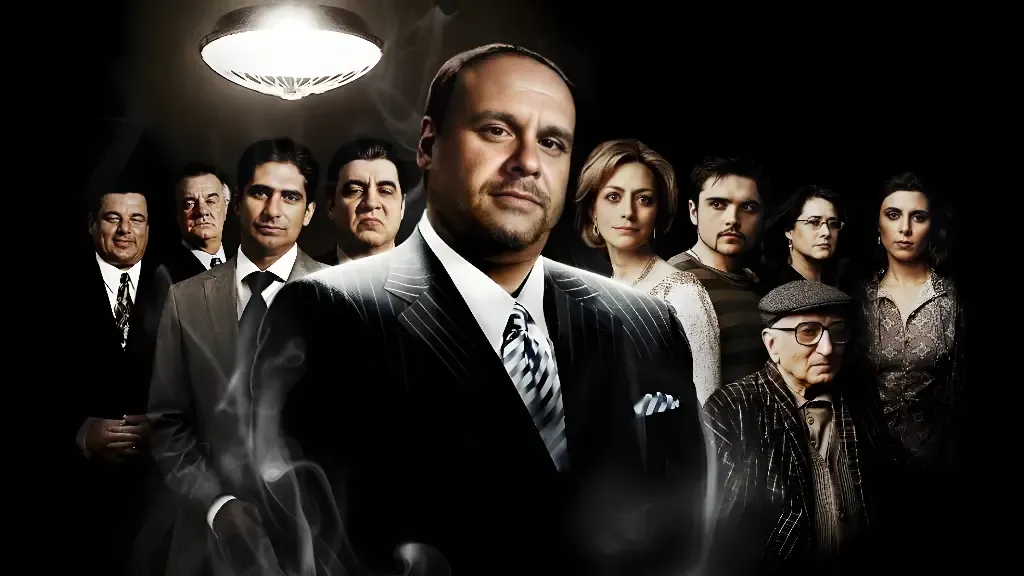
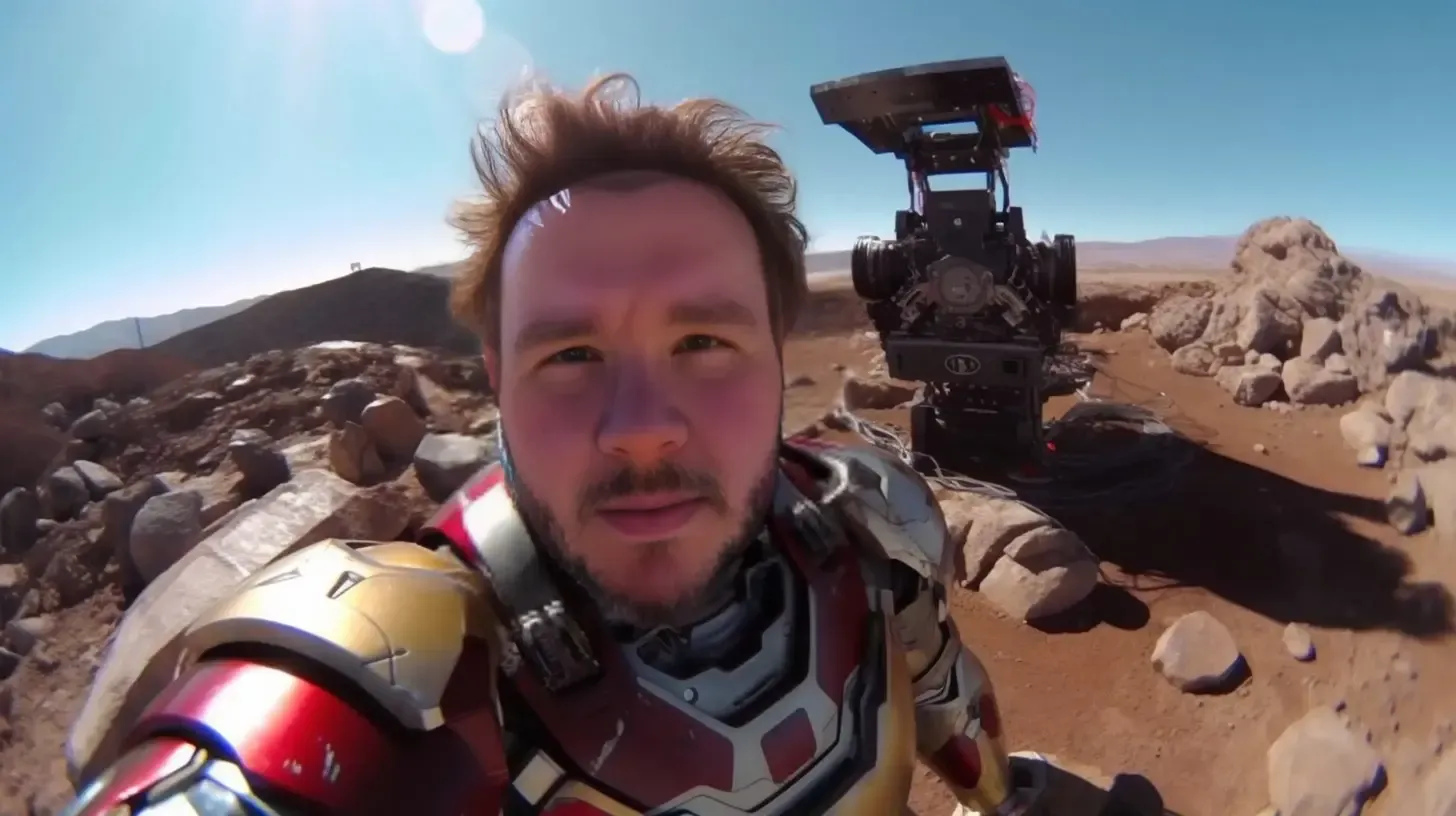
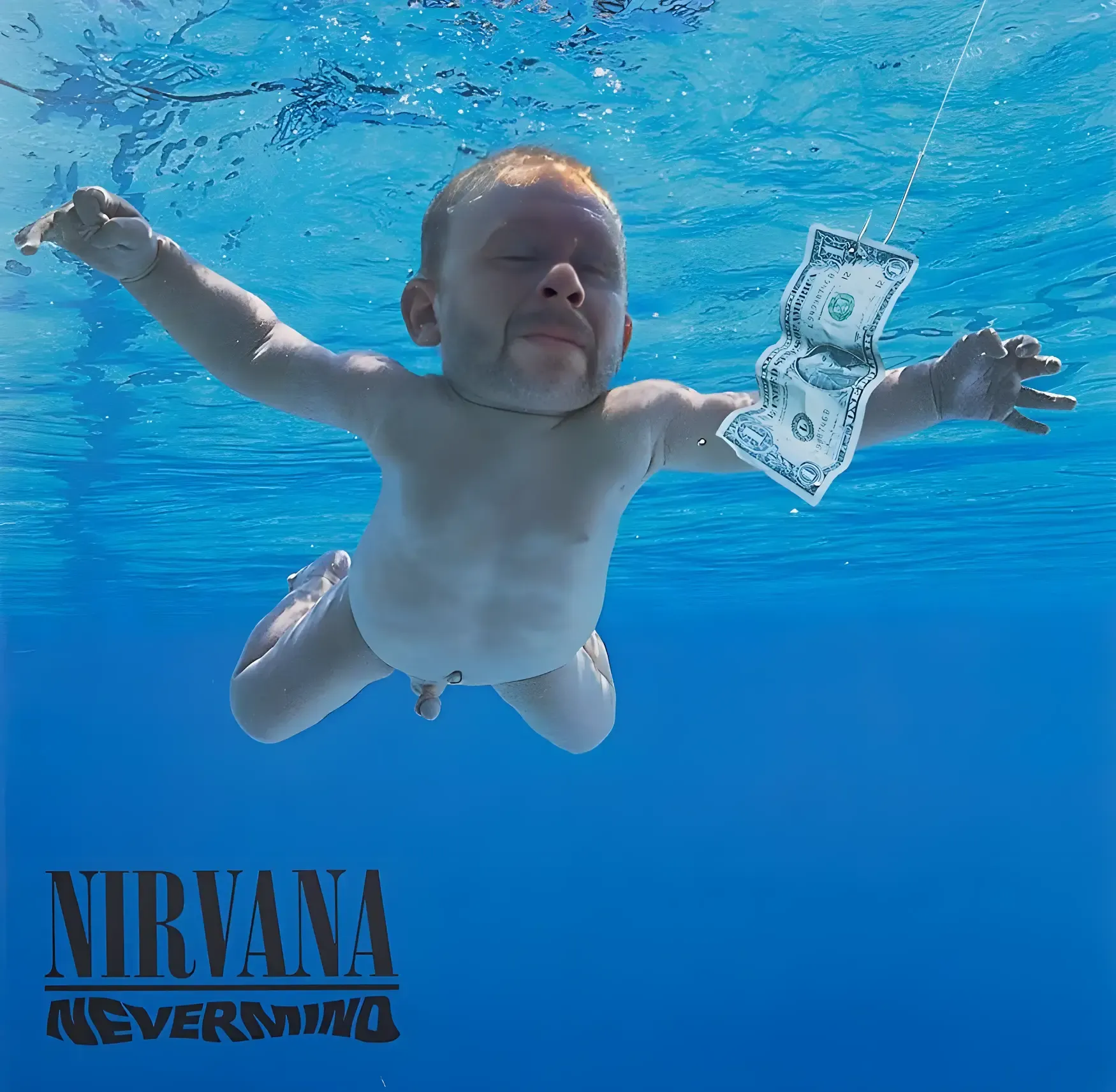
Creative Face Swap Results





Conclusion
The evolution of face-swapping technology, from its humble beginnings in the film industry to its current applications in apps like Faceoff, is a testament to the power and potential of AI and machine learning. As we continue to push the boundaries of what is possible with these technologies, we can look forward to a future where face swapping is not just a novelty but a valuable tool in various fields.
Whether creating custom portraits for friends and family, crafting humorous memes, or generating professional headshots for LinkedIn and other social media sites, the Faceoff app opens a world of creative possibilities. The high-quality results produced by the app, thanks to the combination of InsightFace’s technology and the GFPGAN and Real-ESRGAN scripts, make it a versatile tool.
Despite its limitation to personal use, the Faceoff app’s development represents a significant step forward in applying face-swapping technology. It demonstrates how open-source tools and libraries, such as those provided by InsightFace, can create powerful applications that push the boundaries of what is possible with AI and machine learning. As we continue to explore and develop these technologies, the possibilities for face-swapping’s future are endless.
More Faceoff Samples